What is the difference between S3 Object Lock and versioning?
Versioning keeps every copy of a file so a mistake can be undone; Object Lock stops anyone, sometimes including you, from permanently deleting a copy before a date. One is for recovery, the other for retention and ransomware. Here is how they differ and when you need both.
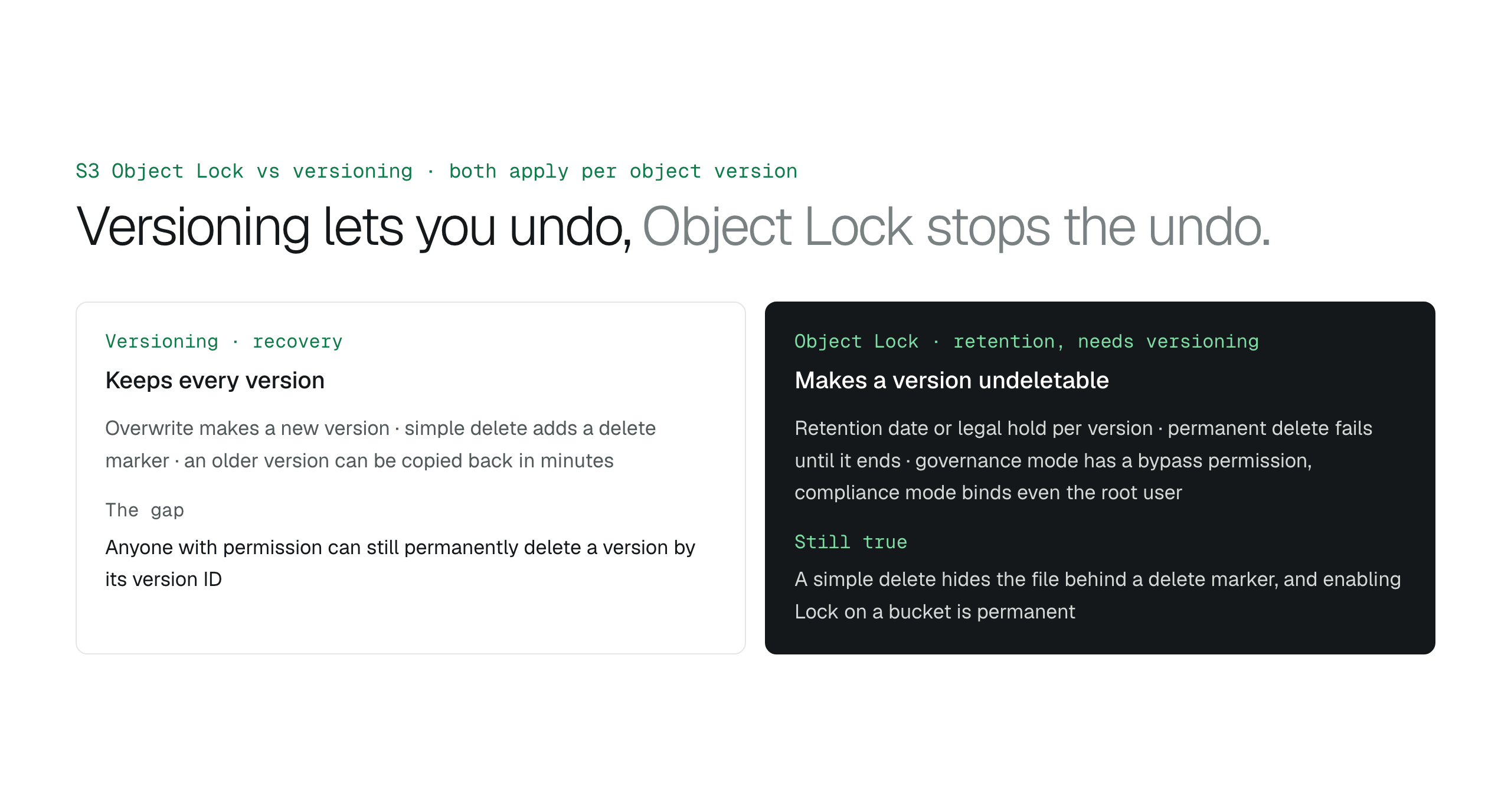
Versioning keeps old copies so mistakes can be undone, but any version can still be permanently deleted by someone with permission; Object Lock makes a version undeletable until a retention date or legal hold ends, with compliance mode binding even the root user. Lock requires versioning, enabling it is permanent, and a simple delete still hides a locked file behind a delete marker. Use versioning everywhere, and add Object Lock for backups and regulated records.
S3 versioning keeps every version of a file so an overwrite or delete can be reversed, but anyone with permission can still permanently delete any version. S3 Object Lock adds protection on top: a locked version cannot be permanently deleted or overwritten until its retention date passes or its legal hold is lifted, and in compliance mode not even the account's root user can shorten that.
They are not alternatives. Object Lock only works on a versioned bucket, because what it locks is a version. The question is whether versioning alone is enough, and the answer depends on who you are protecting the files from.
What versioning does
With versioning on, an upload to an existing key creates a new version and the old one becomes noncurrent. A simple delete, one without a version ID, writes a delete marker; the file disappears from listings but every version is still there. Recovery is removing the marker or copying an older version back, which takes a few minutes.
The gap is that a delete with a version ID is permanent, and so is emptying the bucket with a script. Versioning protects against mistakes, not against a person or a process that intends to delete and holds the permission to do it.
What Object Lock adds
Object Lock attaches a retention period, a legal hold, or both to an individual version. While either applies, a permanent delete of that version fails with 403 Access Denied, and the version cannot be overwritten because a new upload simply creates a new version beside it. There are two modes. In governance mode, most users cannot remove the lock, but a principal holding s3:BypassGovernanceRetention can. In compliance mode, nobody can delete the version, change its mode or shorten its retention until the date passes, the root user included; the retention can only be extended.
Two things are easy to misread. A simple delete still succeeds on a locked file: it adds a delete marker and hides the file, with the locked version intact underneath. And enabling Object Lock on a bucket is permanent. Governance vs compliance mode covers the choice.
Side by side
Neither is access control: both leave reading the file to IAM and bucket policies.
| Versioning | Object Lock | |
|---|---|---|
| Protects against | Accidental overwrite or delete | Deliberate deletion, ransomware, retention breaches |
| Permanent delete by version ID | Allowed with permission | Blocked until the retention date or hold ends |
| Simple delete | Delete marker, file hidden, recoverable | Same: delete marker, locked version stays |
| Who can undo the protection | Anyone with delete permission | Governance: bypass permission holders; compliance: nobody |
| Can it be turned off | Suspended, never disabled | Never, once enabled on the bucket |
| Needs the other | No | Yes, requires versioning |
Which one you need
Turn on versioning for every bucket that holds files people edit, with a lifecycle rule to cap the noncurrent storage. Add Object Lock when a regulation or contract requires records that cannot be altered, or when the threat is a stolen credential wiping backups. Start in governance mode with a short default; a compliance lock set by mistake runs its full term.
- Working folders: versioning plus a lifecycle rule.
- Backups: versioning plus governance-mode Object Lock.
- Regulated records: versioning plus compliance-mode Object Lock.
A workspace that behaves on locked buckets
BucketDesk connects through a scoped IAM role deployed with CloudFormation, and on a versioned or locked bucket it needs no special handling: people upload new versions and delete in the everyday sense, which adds a delete marker, while locked versions stay recoverable underneath. Keep s3:BypassGovernanceRetention, s3:PutObjectRetention and s3:PutObjectLegalHold out of the workspace role so holds are managed by the people who own the retention schedule. Every delete made through BucketDesk is recorded in the Activity log with who did it.
Plans and pricingS3 bucket policy examples for team file access
The Minimum plan is free for one bucket; deletes with confirmation are on Ultra at $350 a month.
Primary sources
Discussion
0 comments · open to guests · moderatedLiked this? Get the next article by email. No schedule, no digest, one click to leave.