Is Amazon S3 free?
No. Since July 15, 2025 new AWS accounts get up to $200 of credits for six months instead of a free monthly allowance, S3 is not on the always-free list, and the old 12-month free tier has expired for every older account. Here is what S3 actually costs at small sizes and where the free parts are.
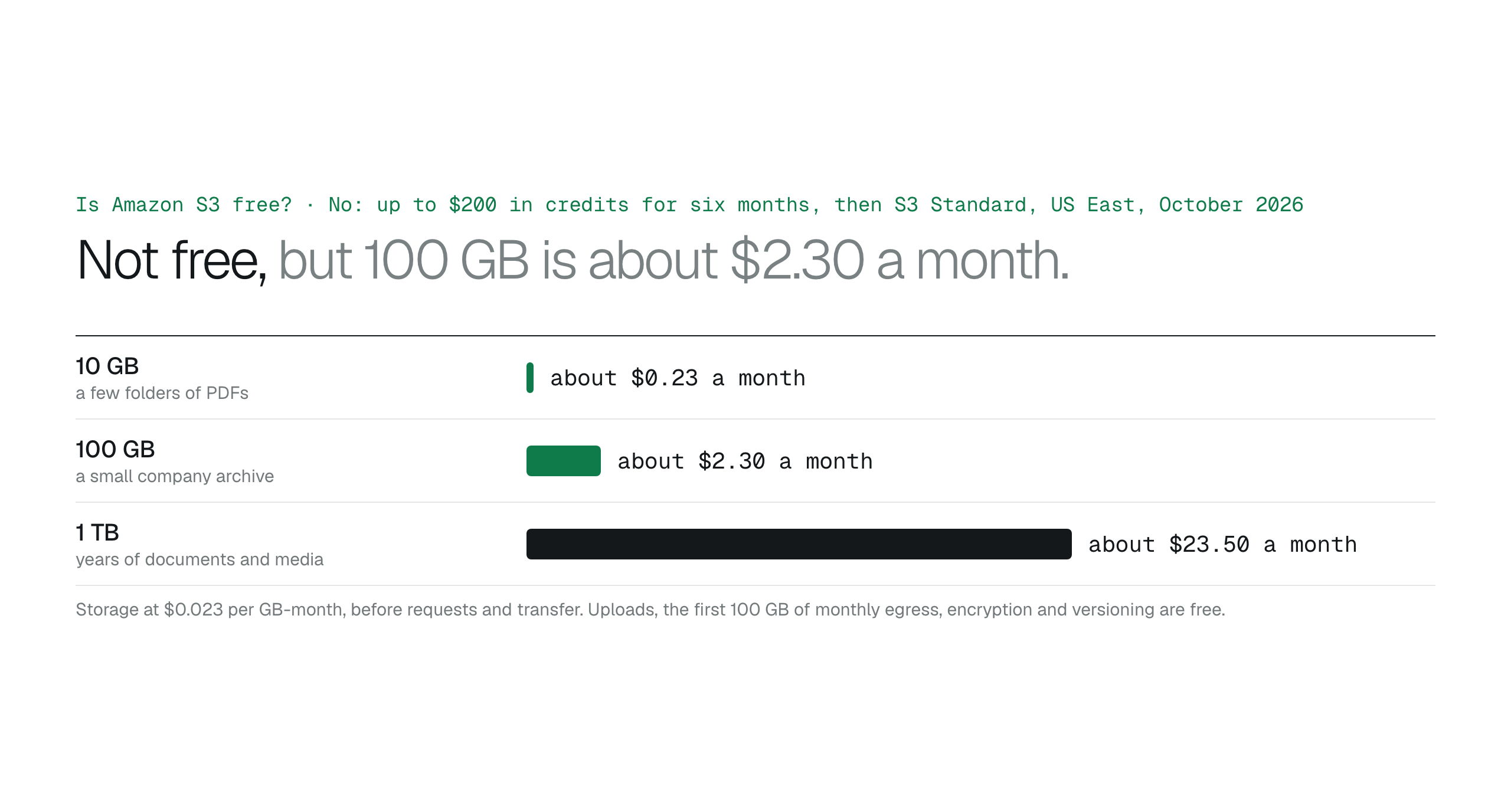
S3 is not free: new accounts get up to $200 in credits for six months rather than a free allowance, S3 is not on the always-free list, and the old 12-month free tier has expired for everyone. It is cheap, though: about $2.30 a month for 100 GB in S3 Standard, with uploads, the first 100 GB of monthly egress, same-Region transfer, encryption and versioning free, and a free Minimum workspace to browse it.
Amazon S3 is not free. AWS accounts created on or after July 15, 2025 receive Free Tier credits instead of a free monthly allowance, S3 is not among the services AWS lists as always free, and accounts created before that date had a 12-month free tier that has now expired for all of them.
What is true is that S3 is cheap at the sizes most teams start with, and some of the surrounding costs are free. This article covers the current credits, what a small bucket costs, and which parts of using S3 carry no charge, with prices as listed on October 27, 2026 in US East (N. Virginia).
What new accounts get instead of a free tier
A new account starts on the Free plan with $100 in credits, and can earn up to $100 more by trying selected services, for up to $200 over six months. Credits cover S3 along with everything else. The Free plan closes the account after six months or when the credits run out, whichever comes first, unless you move to the Paid plan; nothing is charged until you do. Accounts opened before July 15, 2025 stayed on the legacy Free Tier, whose free usage ended 12 months after sign-up, so none of those allowances exist any more.
- New accounts: up to $200 in credits over six months, then a Paid plan or closure.
- Always free: a list of other services, not S3.
- Older accounts: the 12-month free usage has expired.
What a small bucket costs
S3 Standard is $0.023 per GB-month. A 100 GB archive of contracts and PDFs is about $2.30 a month in storage, plus requests, which are fractions of a cent per thousand, and data transfer out beyond the free allowance. A terabyte is about $23.50. Files nobody opens can move to colder classes for a fraction of that, with minimum-duration rules explained in S3 pricing for business file storage.
| Size in S3 Standard | Storage a month |
|---|---|
| 10 GB | about $0.23 |
| 100 GB | about $2.30 |
| 1 TB | about $23.50 |
The parts that are free
Uploading into S3 from the internet is free. The first 100 GB a month of data transferred out to the internet is free, aggregated across all AWS services and Regions. Transfer from S3 to CloudFront or to another AWS service in the same Region is free. Default encryption with SSE-S3, versioning, lifecycle rules and Block Public Access carry no charge of their own. Which types of data transfer are free goes through the transfer lines.
The tools are the other free part. The AWS console and CLI are included with the account, and a BucketDesk Minimum workspace over one bucket is free, so a small team can browse and preview a bucket without paying anyone but AWS.
A free workspace over a cheap bucket
BucketDesk Minimum is free for one bucket, one operator and one viewer: connect the bucket with a scoped IAM role deployed by CloudFormation, and PDFs, images, text, HTML and Markdown open in the browser with search by file name. The files stay in your account and are read by range from the bucket, so the only S3 charges are the ones you would pay anyway.
Plans and pricingFeatures and plan limits
Standard at $100 a month adds Office previews, sharing and unlimited buckets and viewers when the team grows.
Primary sources
Discussion
0 comments · open to guests · moderatedLiked this? Get the next article by email. No schedule, no digest, one click to leave.