Is Amazon S3 secure for business documents?
Yes, by default. New buckets block public access, every upload has been encrypted automatically since January 5, 2023, access is decided by IAM and bucket policies, and S3 is designed for eleven nines of durability. The risks are the settings people change and the access keys they hand out.
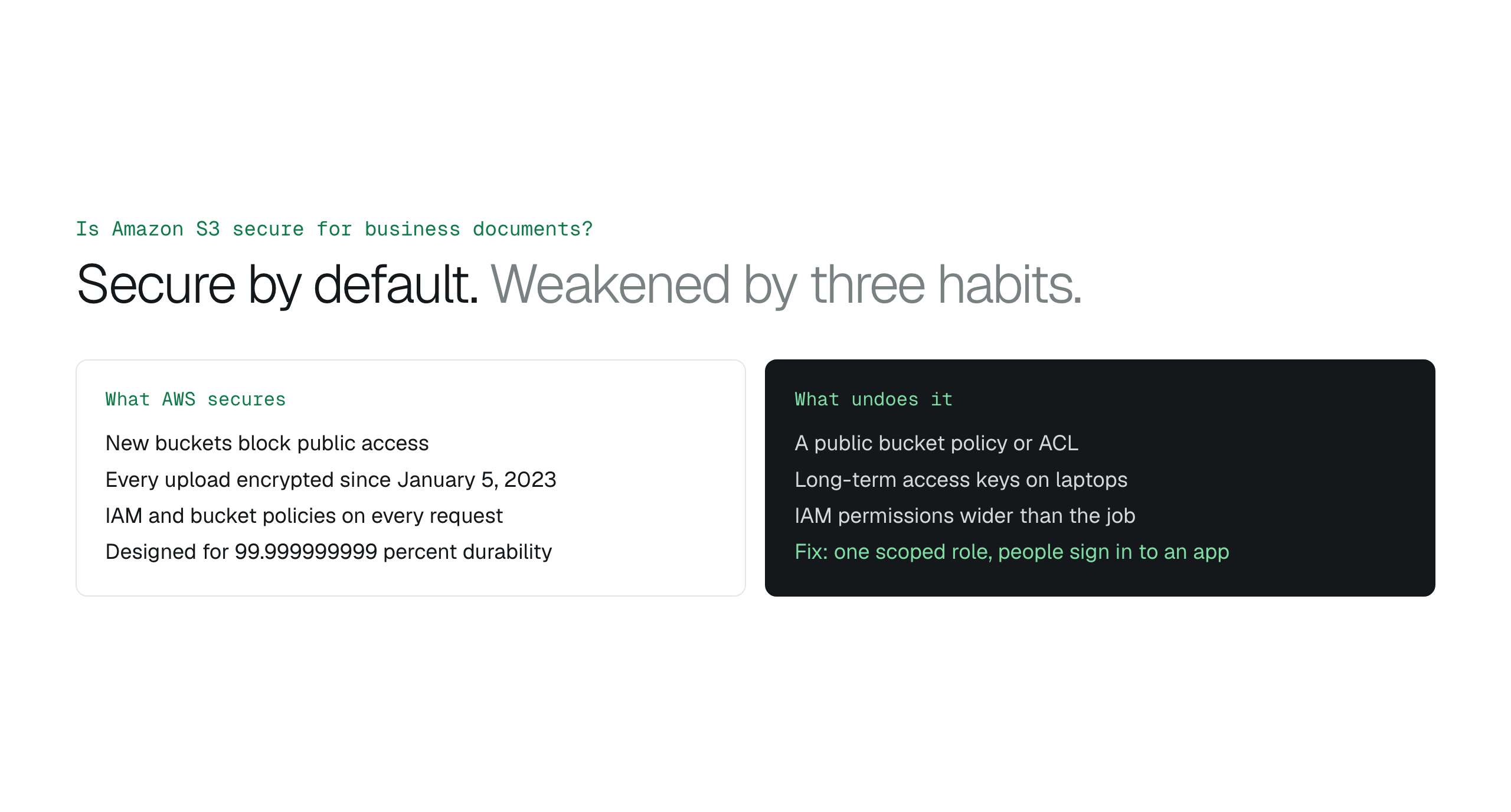
Amazon S3 is secure for business documents out of the box: no public access on new buckets, automatic encryption since January 5, 2023, IAM on every request and eleven nines of durability. What weakens it is a public policy, a long-term key on a laptop or an over-broad permission, so give people access through a scoped role and an application they sign in to, not through keys.
Yes. A new S3 bucket does not allow public access, every object uploaded since January 5, 2023 is encrypted at rest automatically at no cost, every request is authorised by IAM and bucket policies, and S3 is designed for 99.999999999 percent durability. The security incidents you read about are not S3 failing; they are a bucket policy someone made public, an access key someone left on a laptop, or an IAM permission wider than it needed to be.
What AWS secures by default
AWS documents that new buckets, access points and objects do not allow public access. Block Public Access adds four settings on top that reject public ACLs and public bucket policies, and AWS recommends keeping all four on at the account level so no bucket can be opened by accident. Since January 5, 2023, every new object upload is encrypted with SSE-S3, with SSE-KMS available when you want keys you manage and rotate yourself. Access to any object is an IAM decision: no identity, no policy, no read.
Amazon S3 encryption at rest: SSE-S3 vs SSE-KMS
- Public access: blocked for new buckets, four settings to keep on.
- Encryption: automatic SSE-S3 since January 5, 2023, SSE-KMS optional.
- Authorisation: IAM and bucket policies on every request.
- Durability: designed for 99.999999999 percent.
The three mistakes that undo it
The first is a public bucket policy or ACL, usually written to make one file reachable and never removed. The second is long-term access keys handed to people so they can use a desktop client; those keys work from anywhere until someone rotates them, and they leak through laptops, chat messages and old scripts. The third is an IAM policy that grants a whole bucket when a person needed one folder. Keeping files off the public internet and bucket policy examples for team access cover the first and third in detail.
- Public policies and ACLs: keep Block Public Access on and review with IAM Access Analyzer.
- Long-term keys on laptops: prefer roles and temporary credentials.
- Over-broad IAM: scope to the prefix a person needs.
Giving staff access without weakening it
The secure pattern is one scoped IAM role that an application assumes for short-lived credentials, with an external ID so only that application can use it, and people signing in to the application rather than to AWS. Nobody holds a key, access ends when the role is removed, and every action is attributable to a named person. IAM roles and external IDs explains the mechanism.
One scoped role, no keys, every action logged
BucketDesk connects to your bucket through a scoped IAM role you deploy with CloudFormation; it assumes the role with an external ID for temporary credentials and stores no access keys. Your bucket keeps Block Public Access on and its own encryption settings. Staff sign in to BucketDesk, act as Viewers, Operators or Owners, and every open, share and change lands in the Activity log. Files are read by range and never leave your AWS account.
Plans and pricingConnections and access on the features page
Minimum is free for one bucket. Standard is $100 a month and adds roles, audit export and expiring share links.
Primary sources
Discussion
0 comments · open to guests · moderatedLiked this? Get the next article by email. No schedule, no digest, one click to leave.