Automation performs the steps
Upload, move, rename, tag, convert, extract, restore, cache, and notify using deterministic rules.
BucketDesk adds the file experience teams expect while keeping the object, its location, and operational context together.
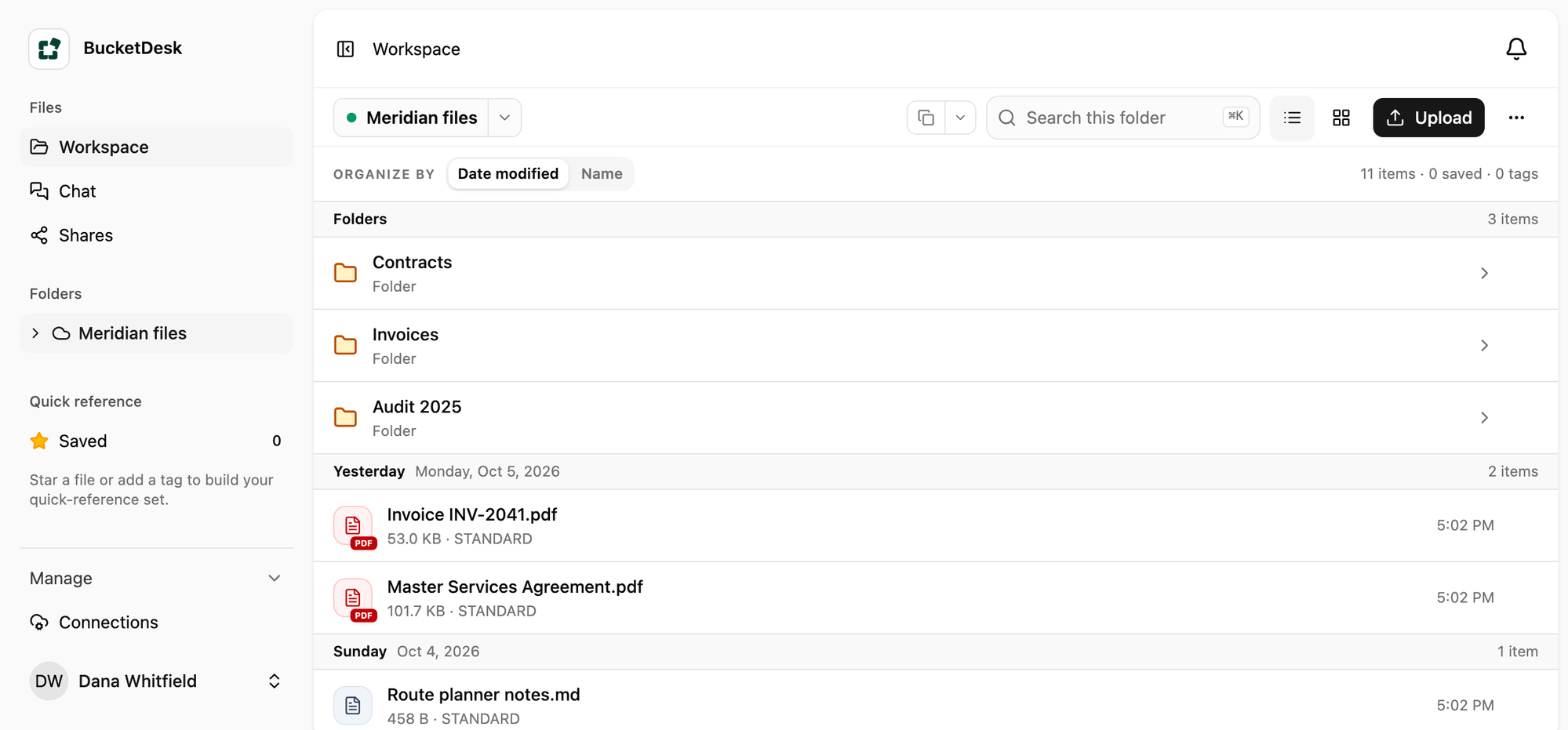
Browse folders or search metadata.
Open business files in the browser.
Confirm risky operations with context.
Navigate familiar folders, search names and metadata, and change between dense list and visual grid views without losing the S3 path behind each file.
A single viewer handles the formats business teams use most. The file stays associated with its bucket path and metadata while the document gets the space it needs.
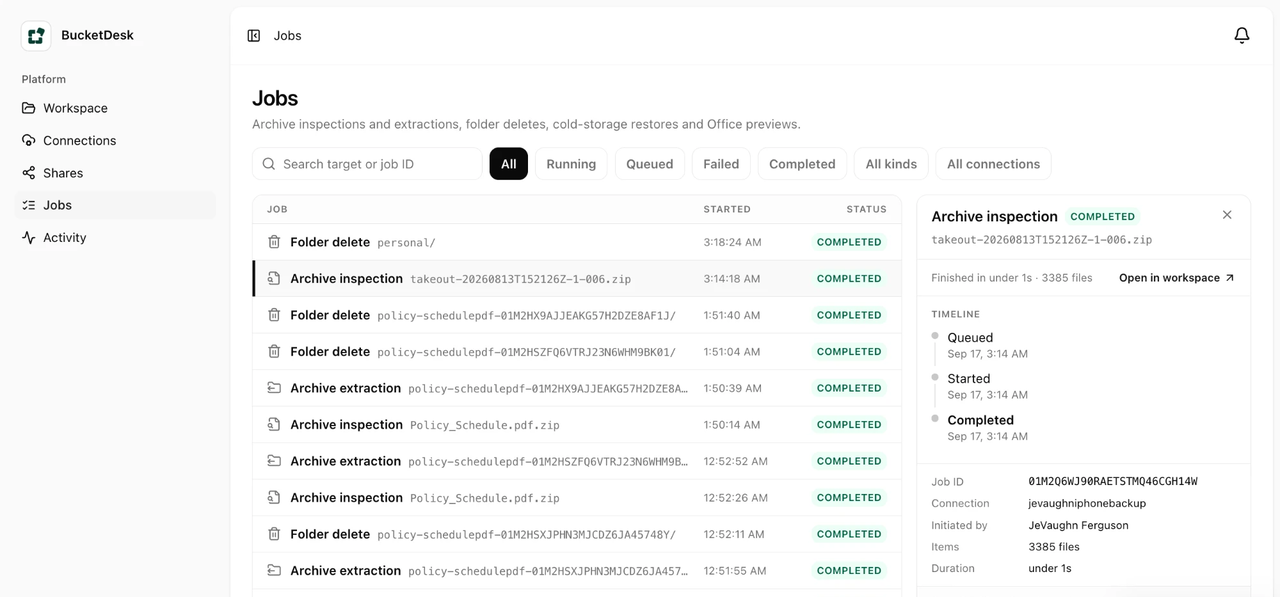
Inspect the manifest first, then review the destination and impact. Pro and higher plans can inspect and extract archives. Every job still passes the same expansion, object count, collision, and destination safety checks.
Business brings automation, document agents, and email into one governed workflow. Each run has a defined trigger, limited scope, permitted actions, and an identity you can audit.
Planned Business capability
Upload, move, rename, tag, convert, extract, restore, cache, and notify using deterministic rules.
Classify documents, extract fields, compare files, identify missing items, and recommend the next action with cited evidence.
Use an approved mailbox as a trigger, send a result, notify a requester, or collect an approval before work continues.
Every automated step remains visible, bounded, and recoverable.
Vendor archiveInspect, request approval, extract, and send the manifest.
Deep storageRestore a requested object and notify the requester when ready.
Meeting mediaTranscribe, summarize, store the notes, and notify participants.
Prefix watchClassify new files and flag exceptions without changing originals.
Email intakeValidate an attachment before uploading it to an approved destination.
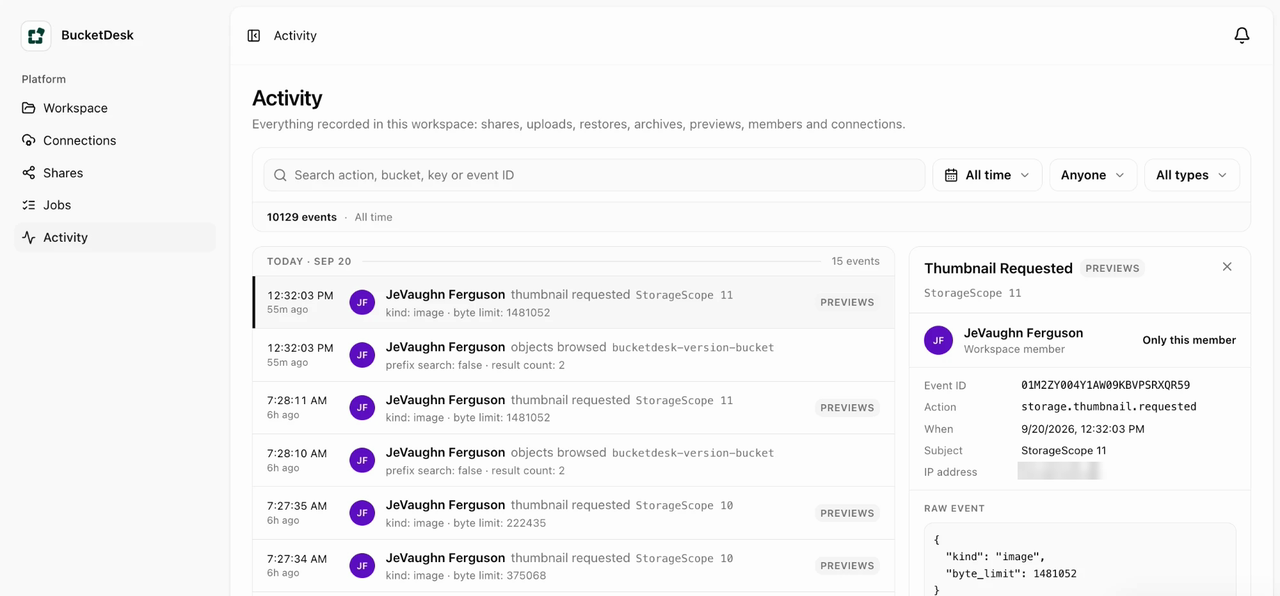
Each workflow records its trigger, decisions, actions, approver, cost, result, and errors. Ordinary logs exclude credentials, signed URLs, file contents, and email bodies.
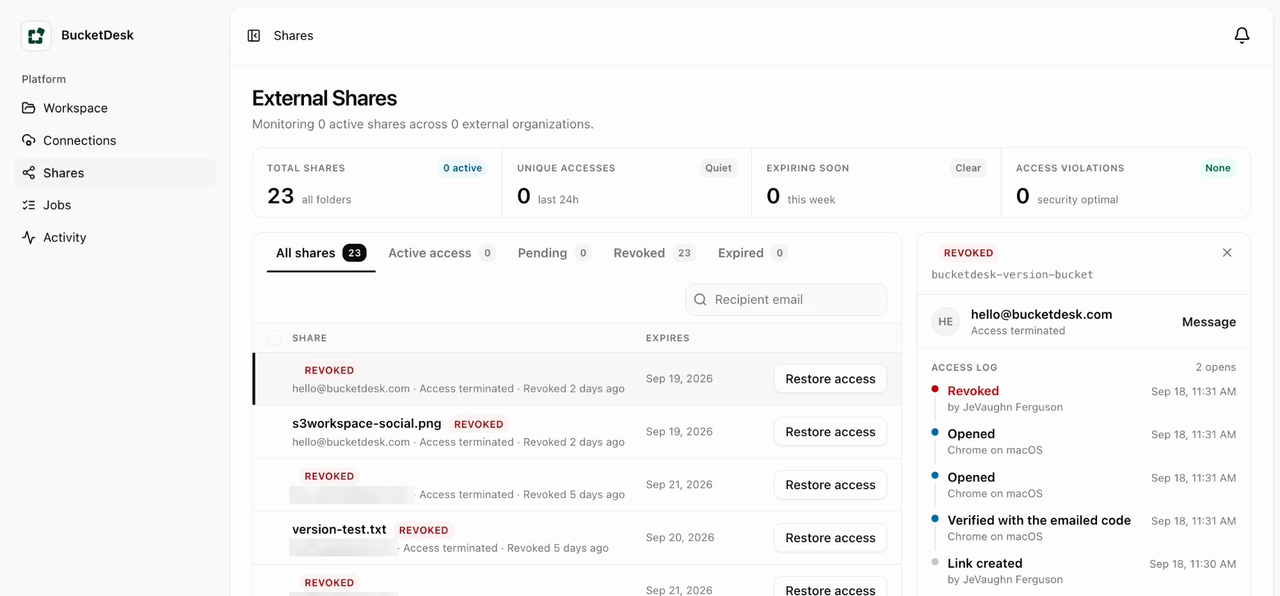
Connect only the buckets and actions a workspace needs. Viewing and extraction remain independent permissions.
Show destination, expanded size, object count, collisions, and safety limits before an extraction writes objects.
Record who requested an operation, what was selected, what changed, and whether the action completed or failed.
Important: the interactive demo is simulated. Final AWS connection, permission, retention, and audit controls will be validated before customer pilots.
Browse folders, switch views, preview formats, inspect the archive, and see how controlled workflows fit the file experience.