Compare · CloudBerry Explorer (MSP360 Explorer)
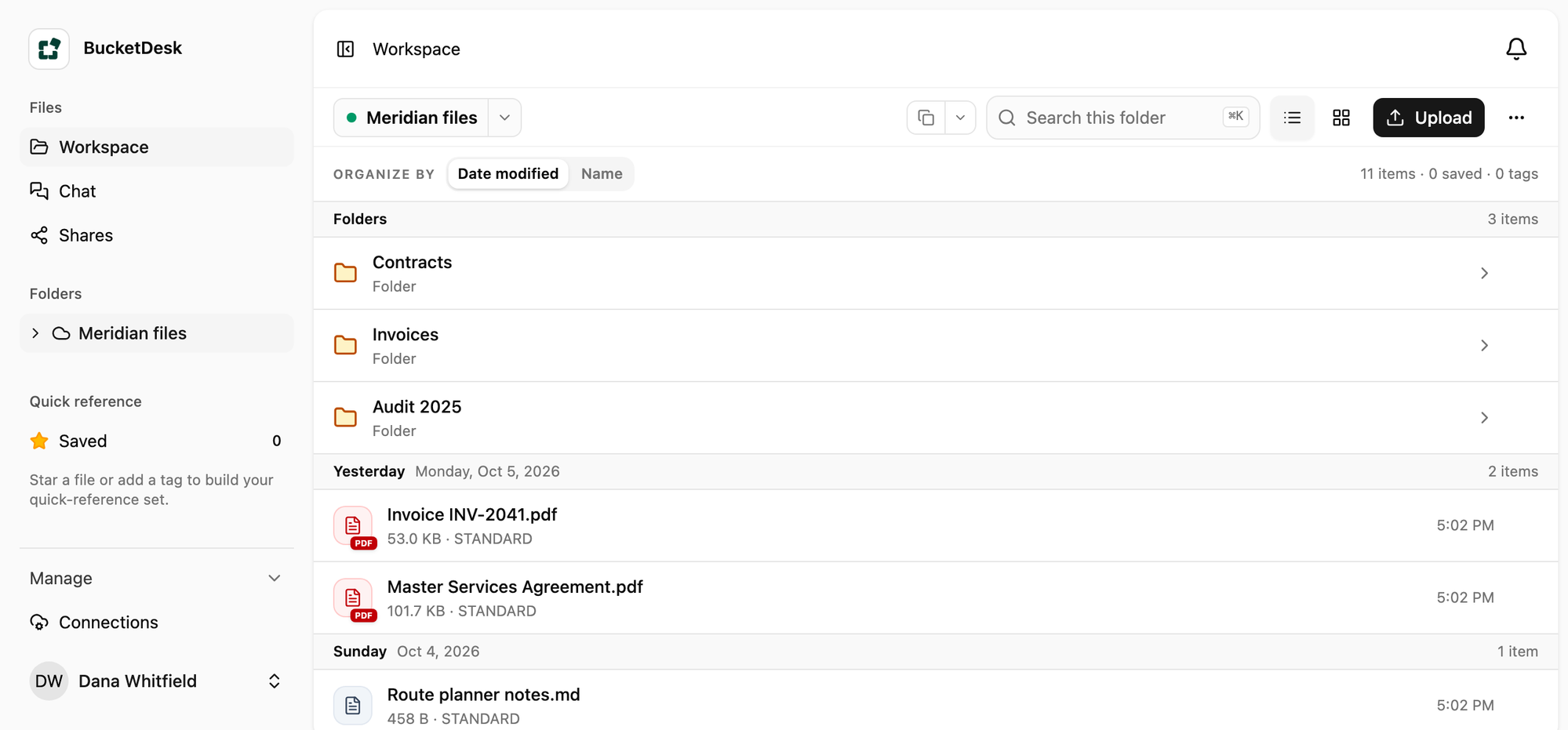
A browser-based S3 workspace for teams. Next to CloudBerry Explorer.
CloudBerry Explorer, now MSP360 Explorer, is a desktop app you install to work with S3. BucketDesk opens the same bucket in a web browser for everyone on your team, through a role you create in your AWS account, so the files stay where they are.
In the browser
The bucket your team opens.
Folders and files from a connected S3 bucket, with previews, search and share links. Nothing to install.
Count the steps
Same job, counted in steps.
Three things a team does with files every week, walked through in CloudBerry Explorer and in BucketDesk.
Let a teammate into the files
In a desktop explorer, each person adds an account with AWS credentials.
CloudBerry Explorer: 7 steps
- Open IAM
- Create a user
- Write a policy
- Create access keys
- Send the keys
- They install the app
- They add the account
BucketDesk: 2 steps
- Invite by email
- They sign in
Send a client one file
Both make a link that expires. BucketDesk keeps every link in Shares.
CloudBerry Explorer: 5 steps
- Open the app
- Find the file
- Generate a web URL
- Set the expiry
- Copy and send
BucketDesk: 3 steps
- Open the file
- Share
- Copy the link
Look at a PowerPoint
BucketDesk shows Office files, PDFs and photos in the browser.
CloudBerry Explorer: 3 steps
- Find the file
- Download it
- Open it in PowerPoint
BucketDesk: 1 steps
- Click the file
Looking at other desktop tools too? See Cyberduck, S3 Browser and Transmit next to BucketDesk.
Nothing moves
Your files stay in your bucket.
- Create the role
One CloudFormation stack in your AWS account, scoped to one bucket and folder.
- Invite your team
They sign in to BucketDesk by email and see only what you connected.
- Take it back any time
Delete the stack and access ends. Every request shows in your CloudTrail.
Questions
What people ask first.
- Do I stop using CloudBerry Explorer?
Keep it for the work you do on your own computer. BucketDesk is for everyone else who needs the files.
- Does my team need AWS keys?
BucketDesk uses a role you create in your AWS account. Your team signs in by email.
- How long does setup take?
About two minutes: launch the stack, pick the folder, invite people.
Give your team the bucket, and keep the keys.
One month of Ultra free. Connect a bucket in about two minutes.