Your buckets, in the folders you already use.
Install BucketDesk and your workspace shows up in Finder and File Explorer. Same buckets, same permissions, no AWS console.
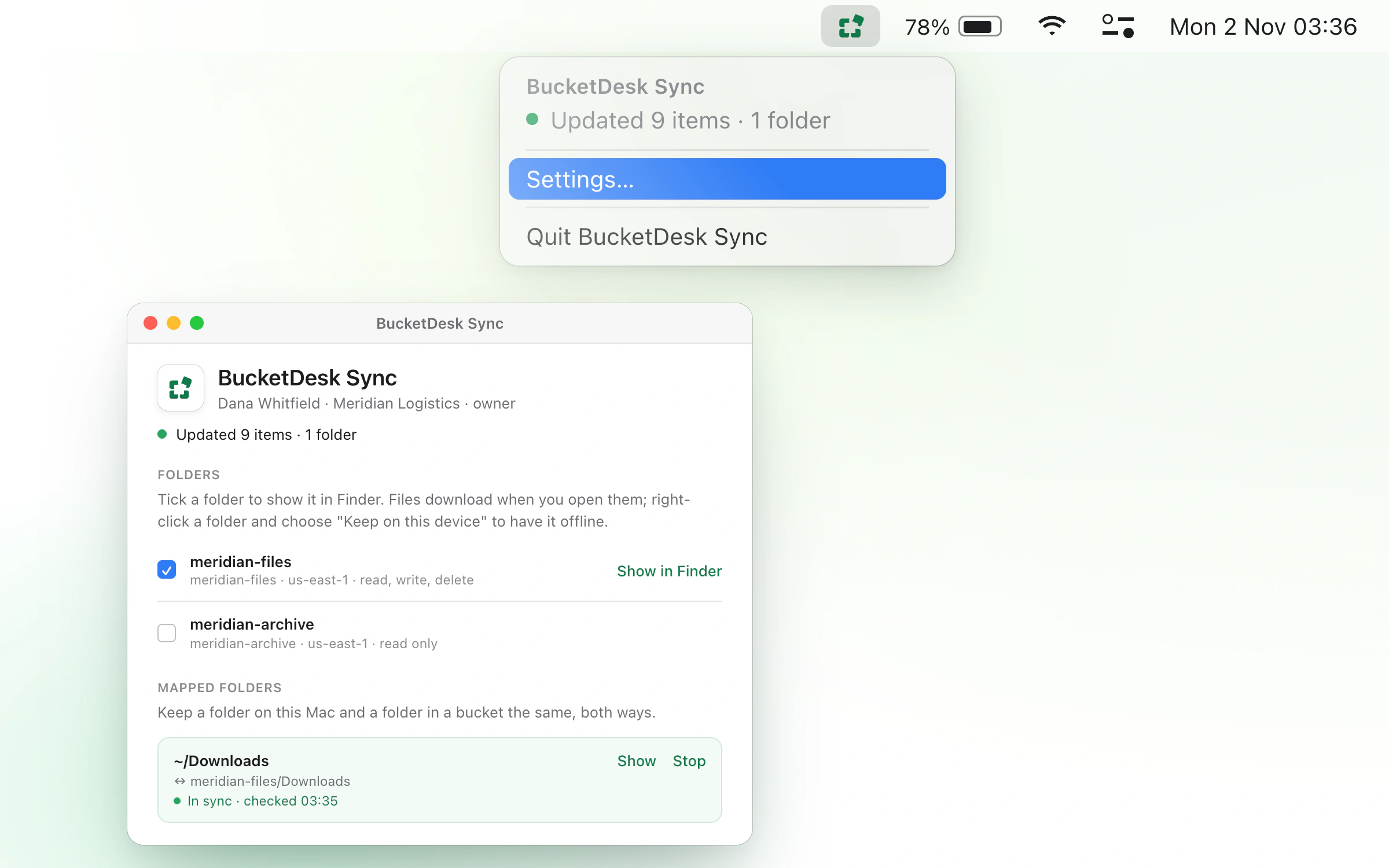
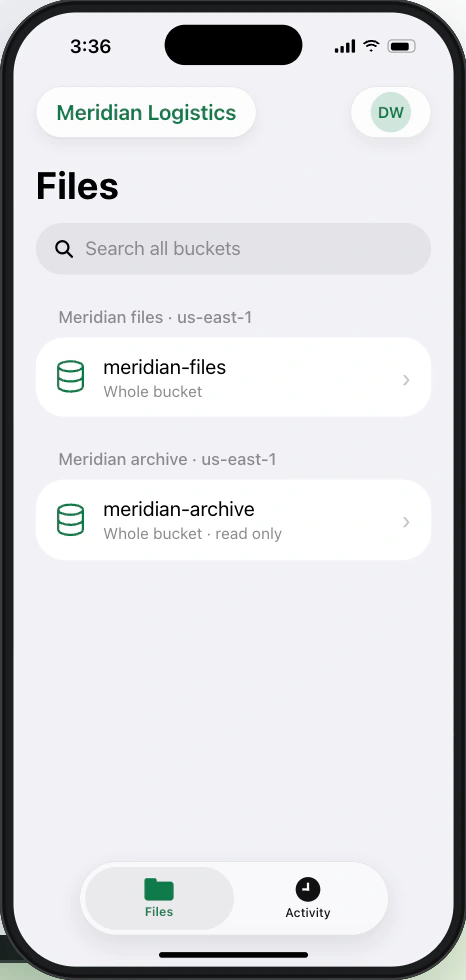
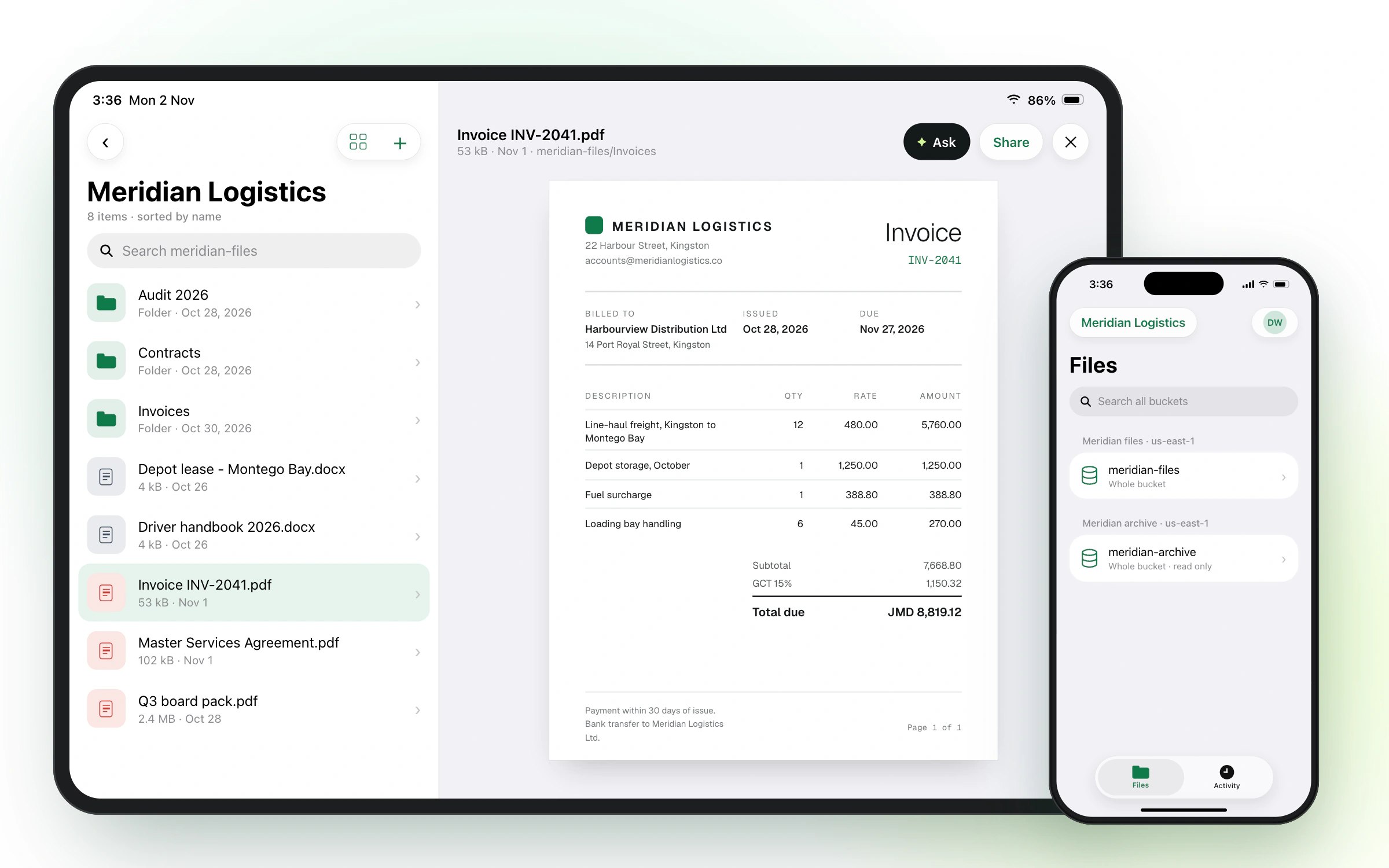
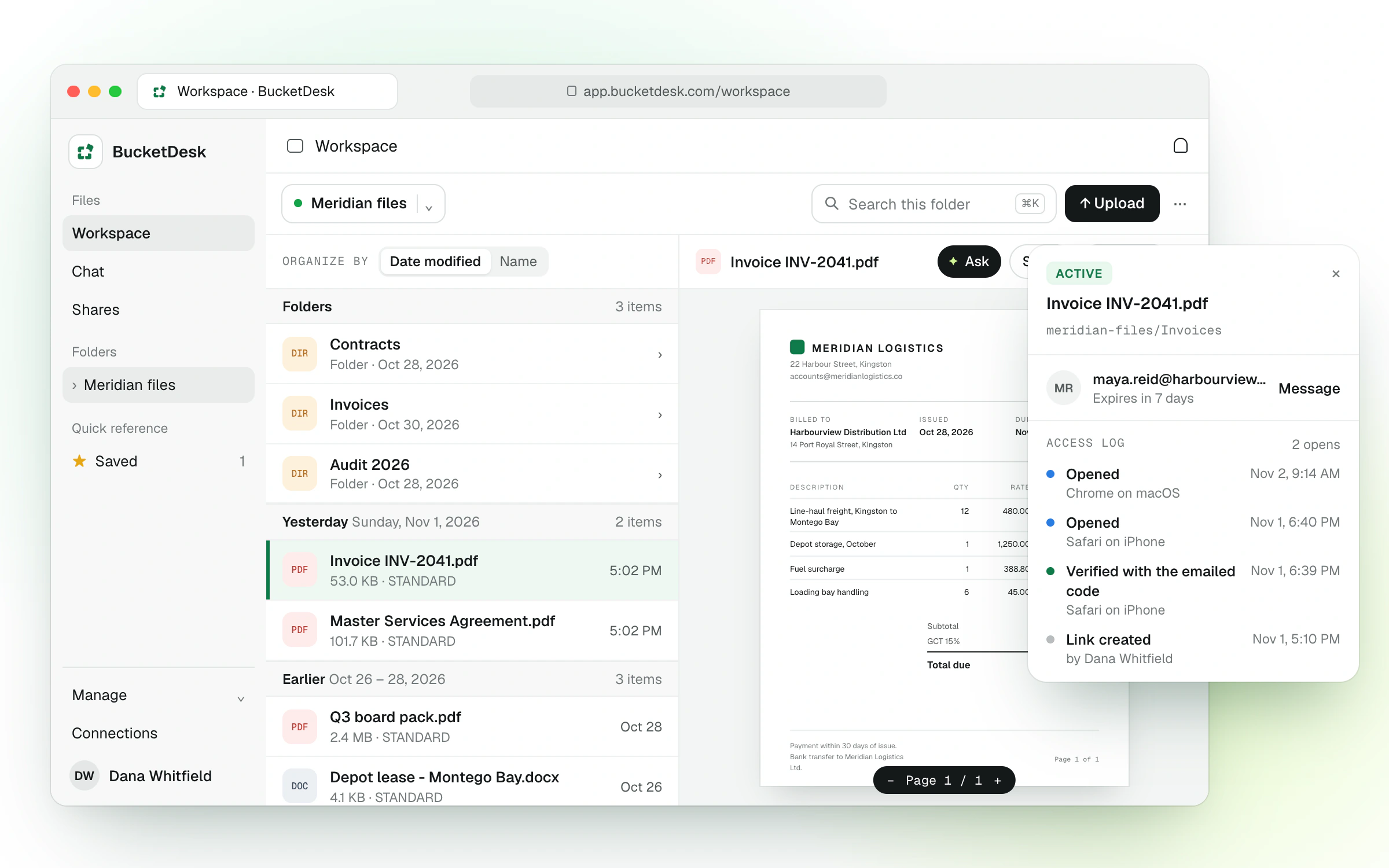
Pick your device. Sign in once.
Every app signs in with your BucketDesk account and shows the buckets and prefixes your workspace connects.
Your buckets appear in the Finder sidebar. Map a local folder to a bucket and the menu bar app keeps both sides the same.
- 01Open the downloadUnzip it and drag BucketDesk Sync to Applications.
- 02Sign inApprove it in your browser with your BucketDesk account. Two-factor works as usual.
- 03Tick your foldersEach one appears under BucketDesk Sync in the Finder sidebar.
Nothing downloads until you open it.
Files sit in Finder and File Explorer as placeholders, so a 2 TB bucket takes up almost no disk space.
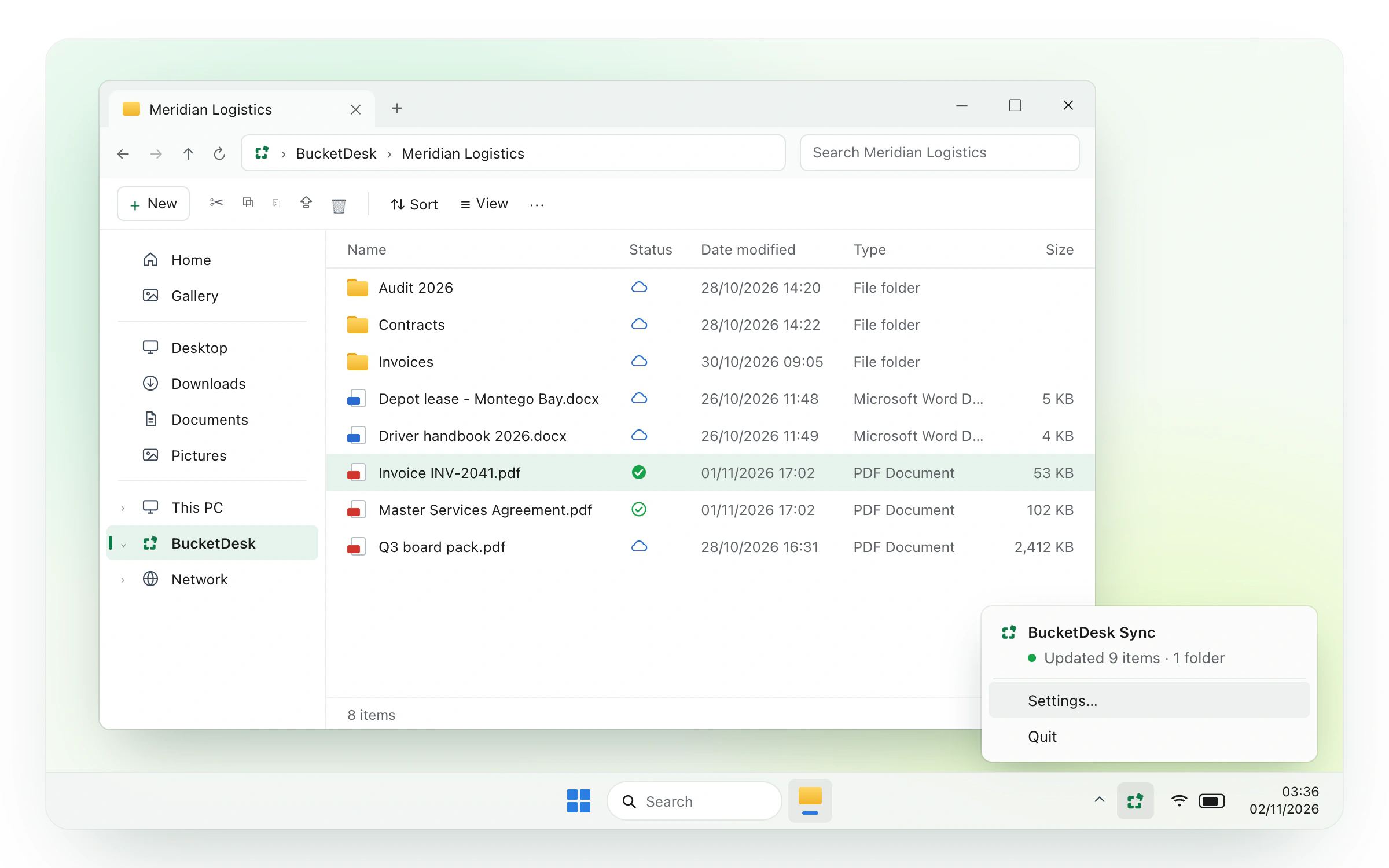
Three steps. Under a minute.
No keys to paste, no bucket names to remember. Sign in with the account you already have and your folders arrive on their own.
- 01Use your workspace emailThe same account you use at app.bucketdesk.com.Sign in to BucketDeskdana@meridian.coContinue ›
- 02Tick the folders you wantOnly buckets your workspace connects. Change your picks any time.Choose what to show✓meridian-filesread and write✓meridian-archiveread onlymeridian-mediaread only
- 03LocationsOpen them like any folderIn the Finder or File Explorer sidebar. Files download only when you open them.BucketDesk Syncmeridian-filesread and writemeridian-archiveread onlyReady · 12,408 files
Questions
Does it use up disk space?
Barely any. Files appear as placeholders and only download when you open them. Right-click a folder to keep it downloaded if you want it offline.
Can an admin roll it out to the whole team?
Each person installs the app and signs in with their own account, and sees the buckets your workspace connects. Deploying through a device management tool isn’t supported yet.
What if a laptop is lost?
Sign the device out under Settings → API tokens, or remove the member. Either revokes the app’s sign-in at once, and the short-lived AWS credentials it holds in memory expire within the hour. The app never saves AWS keys to disk, but files already downloaded stay on the laptop.
Do I need to change anything in AWS?
No. The apps use the same IAM role your workspace already connected, and never get more access than the web app allows.
No workspace yet?
The apps need a BucketDesk account. Connect your first bucket in the browser, then come back here.